Works Without WiFi. Always.
Trade show WiFi fails constantly — thousands of devices, congested networks, overwhelmed venue infrastructure. Trade Show PRO works offline by design, so your team never misses a lead.
The WiFi Problem at Trade Shows
Anyone who's exhibited at a trade show knows the pain: the WiFi drops right when you're scanning a business card. The demo crashes mid-presentation. Your lead capture app shows a spinner instead of saving data.
Venue WiFi is shared among thousands of attendees, exhibitors, and organizers. Even "premium" exhibitor WiFi packages fail under load. Yet most trade show apps require a constant internet connection, treating connectivity as a given rather than a luxury.
How Offline-First Works
Local-First Storage
Every scan, note, tag, and interaction is saved to your device's local database first — before any network request. Your data is safe even if you never connect.
Automatic Background Sync
When connectivity returns (WiFi, cellular, or even spotty connections), data syncs automatically in the background. No manual action needed.
Conflict Resolution
If two team members update the same contact while offline, the system intelligently merges changes. No data loss, no overwrites.
Full Functionality Offline
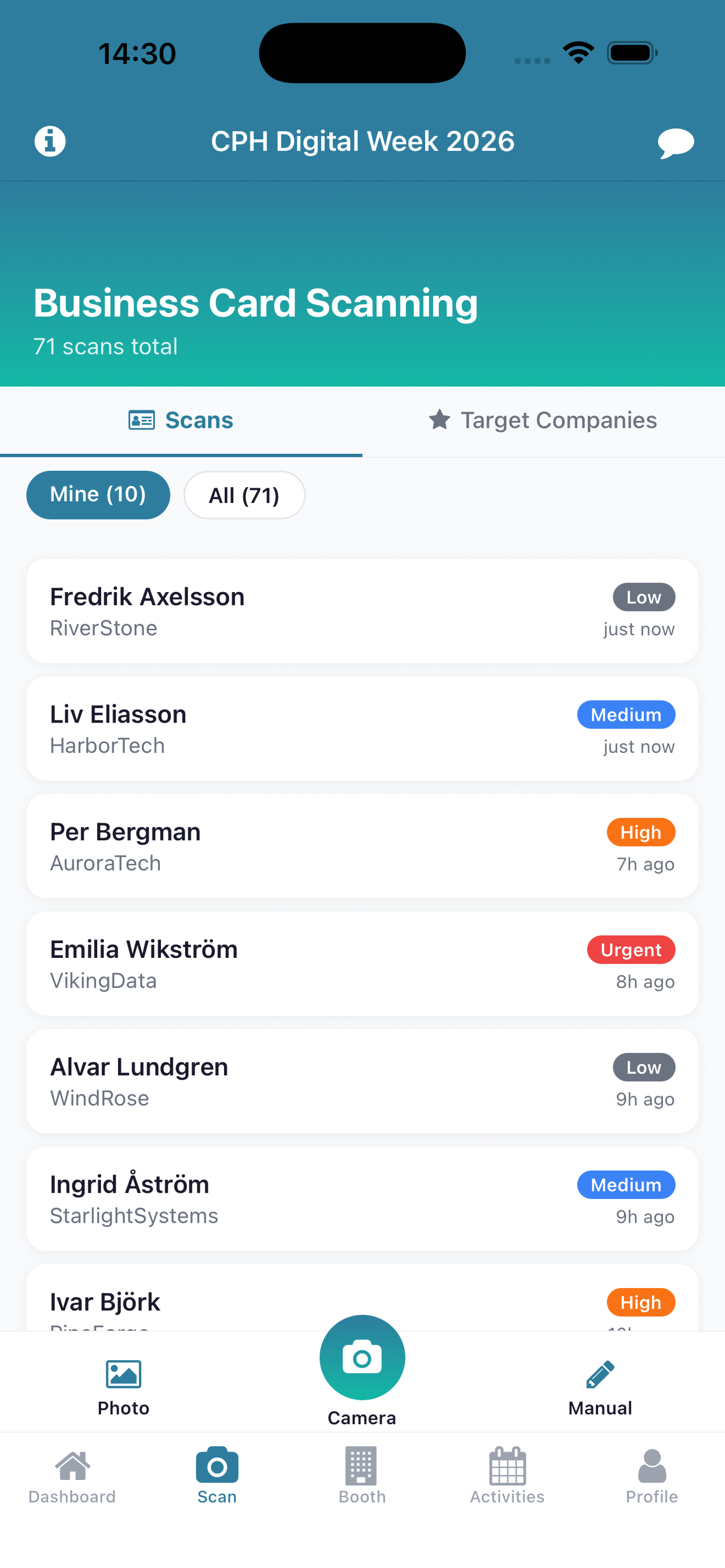
Scan cards, add notes, tag interests, check in/out, view the leaderboard (cached), and access previous contacts — all without internet.
Built for Reality, Not Ideal Conditions
Other trade show apps treat offline as an edge case. We treat it as the default. Our mobile app is built with SQLite local storage and a sync engine designed for intermittent connectivity — the exact conditions you'll find on any trade show floor.
This isn't a "cached mode" that shows stale data. It's a fully functional offline experience where everything you do is captured and preserved, ready to sync whenever connectivity returns.
Related Articles
Related Features
Ready to transform your next trade show?
Get started with Trade Show PRO — free to try, flat fee per event.
Get Started Free